Windows Server 2016 end of support: Migration, ESU and inventory guide before January 12, 2027
Windows Server 2016 end of support is January 12, 2027. Microsoft's final update timeline, Azure Arc ESU conditions, the Essentials edition risk, a version comparison table and a migration checklist for IT teams.
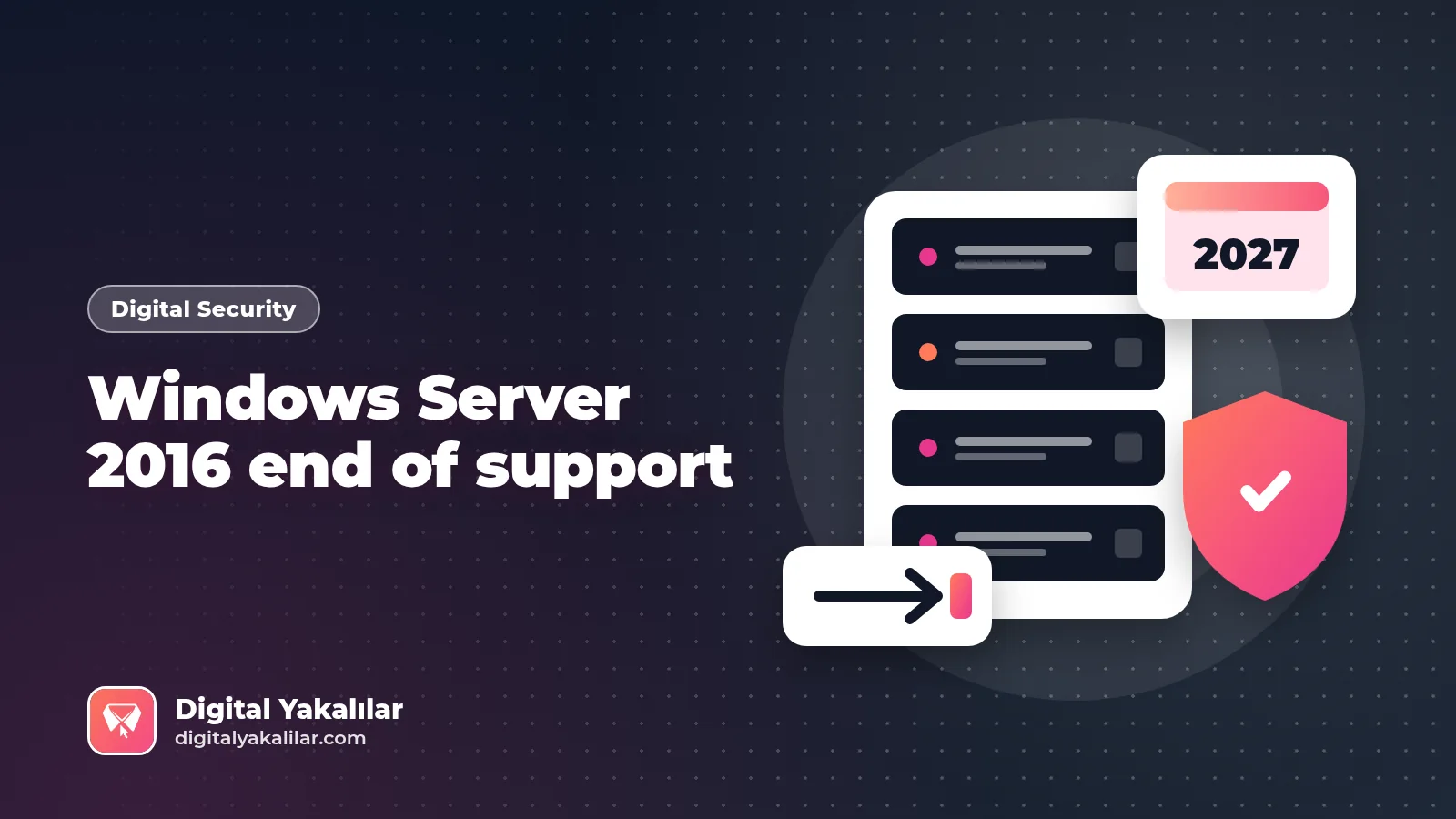
Microsoft has reminded customers that the January 2027 update will be the last security update for Windows Server 2016 [1]. Windows Server 2016 end of support falls on January 12, 2027; after that date none of the Datacenter, Essentials, MultiPoint Premium or Standard editions will receive free security patches, bug fixes or technical support [1][2]. That leaves roughly 11 weeks. This guide pulls the dates from primary sources, sets out the conditions of the paid Extended Security Updates (ESU) option and closes with a migration checklist.
When does Windows Server 2016 support end?
According to the Microsoft Learn lifecycle page, mainstream support for Windows Server 2016 ended on January 11, 2022, and extended support ends on January 12, 2027 (listed on Learn as January 13, 2027, 06:59 UTC) [2]. The same date covers components such as Hyper-V Server 2016, IIS 10 on Windows Server 2016, Windows Storage Server 2016 and WSUS for Windows Server 2016, while System Center 2016 goes out of support one day earlier, on January 11, 2027 [3].
As BleepingComputer reports, servers will keep running after support ends but will no longer be protected against new vulnerabilities; Microsoft recommends moving to Windows Server 2025 and offers a 180-day evaluation for those who want to test it [1].
Version comparison table: How long is each server covered?
| Version | Mainstream support ends | Extended support ends | Status (October 25, 2026) |
|---|---|---|---|
| Windows Server 2016 | Jan 11, 2022 [2] | Jan 12, 2027 [2] | Final 11 weeks |
| Windows Server 2019 | Jan 9, 2024 [4] | Jan 9, 2029 [4] | Security updates only |
| Windows Server 2022 | Oct 13, 2026 [5] | Oct 14, 2031 [5] | Mainstream support just ended |
| Windows Server 2025 | Nov 13, 2029 [6] | Nov 14, 2034 [6] | In mainstream support |
| SQL Server 2016 (context) | Jul 13, 2021 [7] | Jul 14, 2026 [7] | Out of support, ESU year 1 running [7] |
Note: Dates are given in US Pacific time, one day before the UTC timestamps shown on Microsoft Learn.
Quotable stat: A server moved from Windows Server 2016 to 2022 is covered by security updates until 2031; one moved to 2025 is covered until 2034 [5][6]. Choosing a short-term "stopover" version can mean repeating the same project a few years later.
Windows Server 2016 ESU: Paid extension through Azure Arc
In February 2026 Microsoft announced that ESU for Windows Server 2016 would be delivered through Azure Arc [8]. According to the Microsoft Learn preparation page, the conditions are [9]:
| Item | Windows Server 2016 ESU (Azure Arc) |
|---|---|
| Coverage | Critical and Important security updates, up to 3 years (through 2030) [9] |
| Configuration | From August 3, 2026 [9] |
| Billing | From January 13, 2027 [9] |
| Editions | Standard and Datacenter only [9] |
| Licensing | Software Assurance, or SPLA / server subscription [9] |
| Agent | Azure Connected Machine agent 1.62 or later [9] |
| Not included | New features and non-security fixes [9] |
Be careful with pricing: Microsoft announced that from April 1, 2026, new ESU offerings carry the same list price regardless of deployment location or purchasing channel [10]. Confirm the current per-core price in the Azure pricing calculator or with your licensing partner, and do not base budget decisions on third-party price lists.
ESU buys time; it is not an exit plan. Microsoft itself frames this period as an opportunity to upgrade to Windows Server 2025 or migrate to Azure [8]. Microsoft's ESU page explains that Arc-enabled ESU is billed on a pay-as-you-go subscription, whereas classic ESU is bought in yearly increments through Volume Licensing [11].
A separate warning for Windows Server 2016 Essentials
For the Essentials edition, common in small offices, the picture is starker. BleepingComputer notes that Essentials features such as Remote Web Access also end [1]. Microsoft's support page walks Essentials users through migration steps and says the remotewebaccess.com service ends as well [12]. As the table above shows, Azure Arc ESU covers only Standard and Datacenter [9], so there is no "one more year" option for Essentials.
In-place upgrade or clean install?
According to Microsoft Learn, Windows Server 2025 supports in-place upgrades of up to four versions at a time on nonclustered systems; for Windows Server 2022 and earlier the limit was two. Cluster rolling upgrades advance one version at a time, and each upgrade requires its own license [13]. In practice, a single jump from 2016 to 2025 is technically possible but still needs application compatibility testing role by role.
| Scenario | Suggested approach | Why |
|---|---|---|
| Single role (file, print) | Clean install + migrate | Clean start, no legacy settings |
| Nonclustered application server | In-place upgrade after testing | One step to 2025 is supported [13] |
| Hyper-V / file cluster | Cluster rolling upgrade | One version at a time [13] |
| Essentials | Move to a new platform | No ESU [9][12] |
| Legacy software with unclear vendor support | Segmentation + ESU + replacement plan | Buys time, does not remove risk |
The view from Turkey: Outdated inventories are a national risk topic
According to Anadolu Agency on October 22, Turkey's Presidency of Cybersecurity started security scans of systems across the country, public institutions first, after critical PHP flaws ("PHP2Shell") emerged. In the same report, Yakup Özdemir, president of the Public Cyber Defense Association, explains that the scale of Turkey's risk is directly tied to how current organizations' software inventories are, how quickly they respond to vulnerabilities and their technical audit capacity [14]. Windows Server 2016 machines face the same question: you cannot patch a server you do not know you run.
If a breach through an unsupported server involves personal data, Turkey's data protection authority (KVKK) requires notification to the Board within 72 hours of learning about it under decision 2019/10 [15]. We covered phishing-driven attack chains in our guide to stopping ClickFix attacks and digital maturity measurement for SMEs in our TÜBİTAK DDX+ guide.
A 10-step checklist for Windows Server 2016 end of support
- List the OS version on every physical, virtual and cloud server (including Hyper-V Server 2016 and WSUS) [3]
- Record each server's role, owner and business criticality
- Flag Essentials editions separately; they are not covered by ESU [9][12]
- Confirm Windows Server 2022/2025 support for the applications running on them with each vendor
- Check the support dates of dependent products such as SQL Server 2016 [7]
- Decide in-place upgrade versus clean install role by role [13]
- If you need ESU, check Software Assurance status and the Azure Arc agent version (1.62+) [9]
- Segment servers that cannot be moved by January 12, 2027 and tighten access to them
- Test backups and the rollback plan
- Verify that your breach notification process (72 hours under KVKK) is current [15]
For the personal device side, see our phone and account security guide.
Frequently asked questions
When does Windows Server 2016 support end?
On January 12, 2027. The January 2027 update is the last free security update for this version [1][2].
Will Windows Server 2016 stop working after end of support?
No. Servers keep running but no longer receive security updates for new vulnerabilities [1].
Can I get ESU for Windows Server 2016?
Yes, for the Standard and Datacenter editions through Azure Arc, for up to three years. Software Assurance or SPLA/server subscription is required, and billing starts on January 13, 2027 [9].
Is there ESU for Windows Server 2016 Essentials?
Microsoft's ESU conditions list only the Standard and Datacenter editions; for Essentials users Microsoft recommends migration steps [9][12].
Can I upgrade directly from 2016 to Windows Server 2025?
On nonclustered systems, yes: Windows Server 2025 supports in-place upgrades of up to four versions at a time. Clusters advance one version at a time [13].
References
- BleepingComputer, "Microsoft: Windows Server 2016 reaches end of support in January", October 23, 2026. https://www.bleepingcomputer.com/news/microsoft/microsoft-windows-server-2016-reaches-end-of-support-in-january/ (Accessed: October 25, 2026)
- Microsoft Learn, "Windows Server 2016 – Lifecycle". https://learn.microsoft.com/en-us/lifecycle/products/windows-server-2016 (Accessed: October 25, 2026)
- Microsoft Learn, "Products and Services Reaching End of Support in 2027". https://learn.microsoft.com/en-us/lifecycle/end-of-support/end-of-support-2027 (Accessed: October 25, 2026)
- Microsoft Learn, "Windows Server 2019 – Lifecycle". https://learn.microsoft.com/en-us/lifecycle/products/windows-server-2019 (Accessed: October 25, 2026)
- Microsoft Learn, "Windows Server 2022 – Lifecycle". https://learn.microsoft.com/en-us/lifecycle/products/windows-server-2022 (Accessed: October 25, 2026)
- Microsoft Learn, "Windows Server 2025 – Lifecycle". https://learn.microsoft.com/en-us/lifecycle/products/windows-server-2025 (Accessed: October 25, 2026)
- Microsoft Learn, "SQL Server 2016 – Lifecycle". https://learn.microsoft.com/en-us/lifecycle/products/sql-server-2016 (Accessed: October 25, 2026)
- Microsoft Windows Server Blog, "Planning ahead for Windows Server 2016 end of support", February 25, 2026. https://www.microsoft.com/en-us/windows-server/blog/2026/02/25/planning-ahead-for-windows-server-2016-end-of-support/ (Accessed: October 25, 2026)
- Microsoft Learn, "Prepare to deliver Extended Security Updates for Windows Server through Azure Arc". https://learn.microsoft.com/en-us/azure/azure-arc/servers/prepare-extended-security-updates (Accessed: October 25, 2026)
- Microsoft Licensing, "Microsoft Services: Pricing Consistency Update", March 27, 2026. https://www.microsoft.com/en-us/licensing/news/services-pricing-consistency-update (Accessed: October 25, 2026)
- Microsoft, "Plan your Windows Server and SQL Server end of support" (Extended Security Updates). https://www.microsoft.com/en/windows-server/extended-security-updates (Accessed: October 25, 2026)
- Microsoft Support, "Windows Server 2016 Essentials end of support", September 2026. https://support.microsoft.com/en-us/servicing/os/windows/docs/2026/09/windows-server-2016-essentials-end-support (Accessed: October 25, 2026)
- Microsoft Learn, "Plan your Windows Server upgrade path". https://learn.microsoft.com/en-us/windows-server/get-started/upgrade-overview (Accessed: October 25, 2026)
- Anadolu Agency, Mert Davut, "Kritik güvenlik açıklarına karşı sistemleri güncelleme uyarısı" (in Turkish), October 22, 2026. https://www.aa.com.tr/tr/bilim-teknoloji/kritik-guvenlik-aciklarina-karsi-sistemleri-guncelleme-uyarisi/4096910 (Accessed: October 25, 2026)
- KVKK (Turkish Personal Data Protection Authority), "Veri İhlali Bildirimi" (Board decision 2019/10, in Turkish). https://www.kvkk.gov.tr/Icerik/5362/Veri-Ihlali-Bildirimi (Accessed: October 25, 2026)